
 English
 Nederlands
Display Zermelo timetables with Opensignage
Up-to-date timetable information for students and staffOptimal studentcommunication by displaying actual timetables via digital signage screens.
Read more >>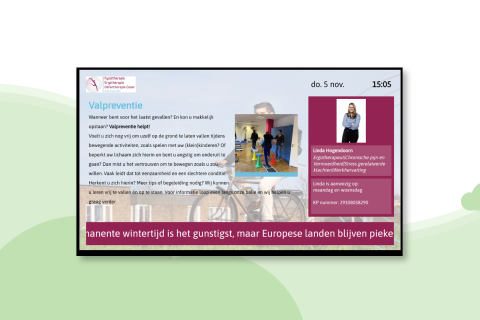
Customerstory physiotherapy practice
Useful practice information is combined with advertisingCustomer story: how a physiotherapy practice gets even more out of its digital signage screen.
Read more >>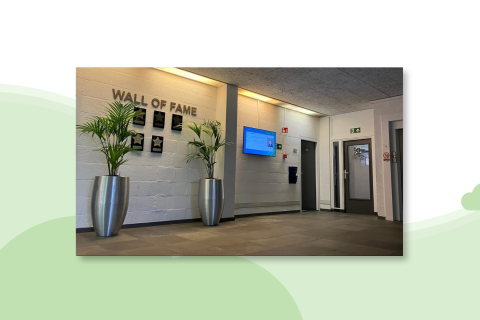
Customer Story industry and production
Creating a positive company cultureNarrowcasting enhances 'team feeling' by optimizing internal communication.
Read more >>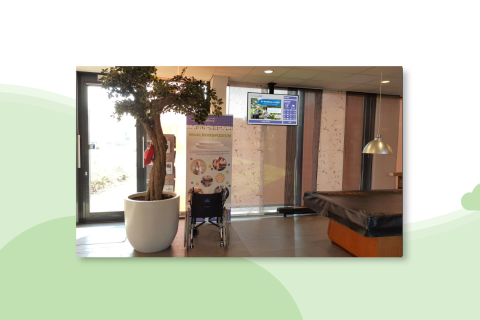
Customer story nursing home
Care home displays up-to-date informationOpensignage offers a suitable solution to display the current program of activities.
Read more >>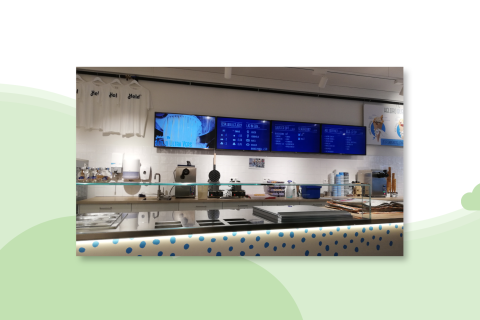
Customer story ice cream store
Digital signage increases fun experienceDigital signage screens from Opensignage increase shopping experience at ice cream store
Read more >>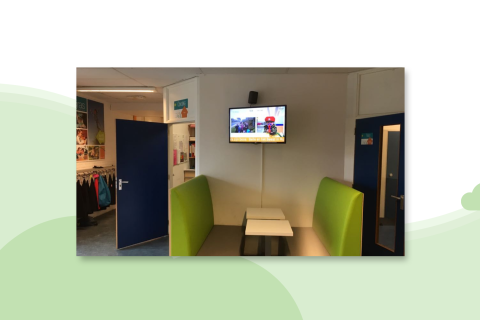
Customer story elementary school
Re-use of screens for digital signageA Dutch elementary school repurposes existing screens for digital signage from Opensignage.
Read more >>
But which Subscription is going to suit me?
Watch the video!A subscription allows you unlimited use of all mediafiles covered by the subscription.
Read more >>
Difference between credits and subscriptions
Watch the video!Some of the Opensignage content is for free. Other content can be paid for with credits or a subscription.
Read more >>
How do I create a playlist?
Watch the video!Learn how to create a playlist and how to display this playlist on your digital signage screen.
Read more >>
How do I use Apps and Widgets?
Watch the video!You add information to an app. Next you'll need a system widget to display this information.
Read more >>
How to use Opensignage for free?
Watch the video!Some of the content in the Opensignage media library is for free. Watch this video to find it out!
Read more >>
Login via SSO
At Opensignage you can log in via Single Sign OnLogin via Microsoft, Google or Amazon
Read more >>