

 English
  Nederlands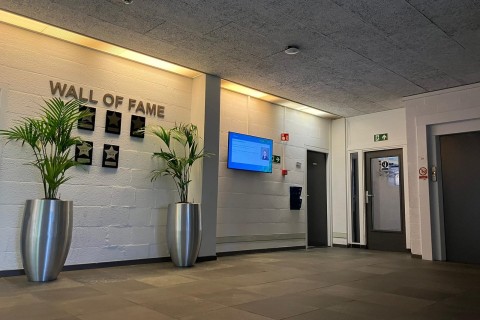
Customer Story Industry and Production
Creating a positive company cultureNarrowcasting enhances 'team feeling' by optimizing internal communication.
Read more
How do I create a playlist?
Watch the video!Watch this video to learn how to create a playlist and how to display this playlist on your digital signage screen.
Read more
But which Subscription is going to suit me?
Watch the video!A subscription allows you unlimited use of all mediafiles covered by the subscription.
Read more
Difference between credits and subscriptions
Watch the video!Some of the Opensignage content is for free. Other content can be paid for with credits or a subscription.
Read more
How do I use Apps and Widgets?
Watch the video!First you add your information to an app. Next you'll need a system widget to display this information.
Read more
How to use Opensignage for free?
Watch the video!Some of the content in the Opensignage media library is for free. Watch this video to find it out!
Read more
Login via SSO
At Opensignage you can log in via Single Sign OnLogin via Microsoft, Google or Amazon
Read more
Waiting time experience
Turn waiting into something fun!Roadmap to creating a positive waiting time experience through digital signage
Read more
Saying goodbye to Powerpoint?
Powerpoint versus digital signageWhy it's better to choose digital signage if you want to save time
Read more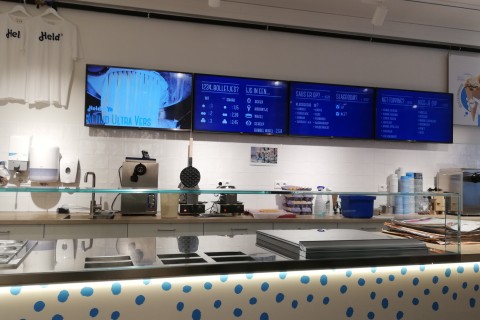
Customer story ice cream store
Digital signage increases fun experienceDigital signage screens from Opensignage increase shopping experience at ice cream store
Read more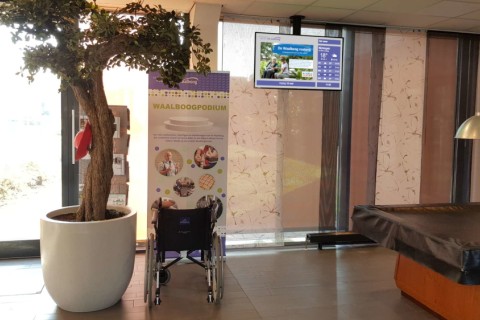
Customer story nursing home
Care home displays up-to-date informationOpensignage offers a suitable solution to display the current program of activities.
Read more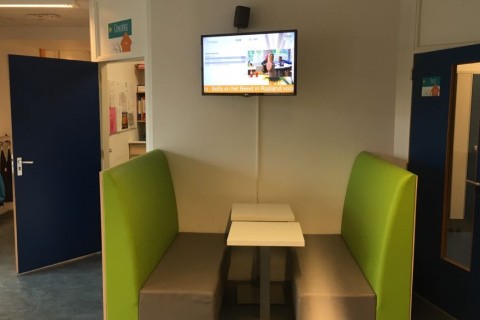
Customer story elementary school
Re-use of screens for digital signageA Dutch elementary school repurposes existing screens for digital signage from Opensignage.
Read more